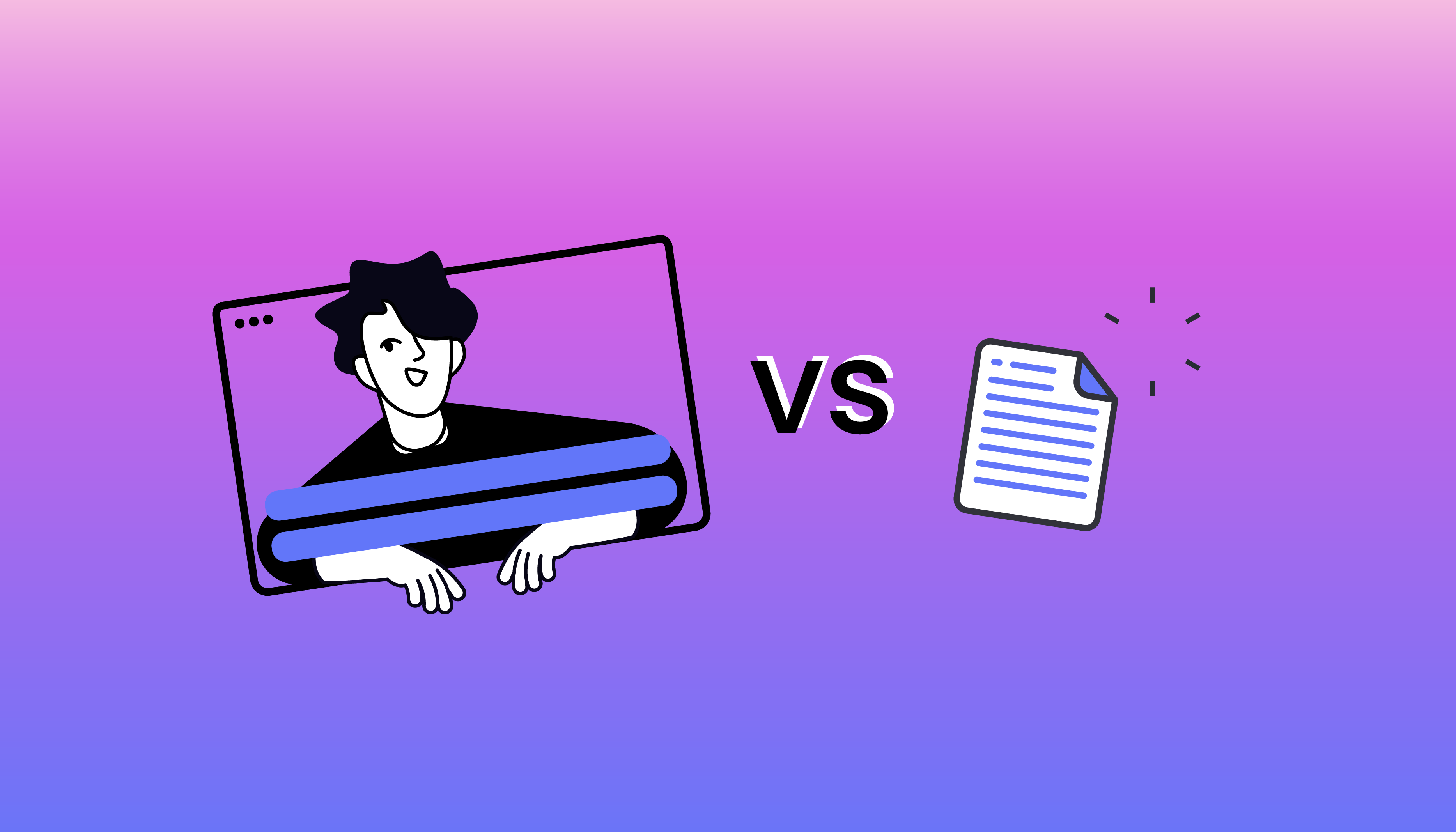
The jargon makes this sound more technical than it is, but the choice genuinely matters: it decides where your captions will appear, whether viewers can turn them off, whether you can fix a typo next week, and whether machines can read your video at all. Here's the plain-language version, ending with a decision guide — and the one-word answer for people in a hurry, which is both.
What is a subtitle file?
A subtitle file is a small, separate text file — usually .srt or .vtt — containing your subtitle text plus timecodes telling the player when each block appears and disappears. It travels with the video but is not part of the video itself.
An SRT file is so simple you can read it in Notepad:
14
00:00:12,000 --> 00:00:14,300
We rebuilt the entire checkout flow

15
00:00:14,383 --> 00:00:17,200
because users kept abandoning their carts,
Numbered blocks, a time range, the text. That's the whole format — which is exactly why everything supports it.
VTT (WebVTT) is its web-native sibling: nearly identical syntax, built for HTML5 video players, with support for styling and positioning cues. Rule of thumb: platforms and editing software usually want SRT; your own website's player usually wants VTT. Inwista exports both, so the distinction never costs you anything.
Because the player renders the file at watch-time, these are called closed captions — the viewer can open and close them.
Advantages:
- Viewers control them — on, off, and on many platforms font size and appearance too.
- Editable forever. A typo next month means re-uploading a tiny text file, not re-exporting a video.
- Multi-language ready. One video, several subtitle files, viewer picks.
- Native support on the big platforms — YouTube, Vimeo, Facebook, LinkedIn, most LMS and broadcast workflows all accept caption files alongside the video.
- Machines can read them. Screen readers and assistive tech get at the text; platforms index it — YouTube uses your uploaded captions to understand and surface the video. Search cannot read pixels; it reads files.
Disadvantages:
- They can get separated from the video. Email the MP4 alone, and the captions stayed home.
- Not every destination accepts them. Social feed posts on TikTok, Instagram and Snapchat don't take sidecar caption files — at best you get the platform's own auto-captions, in the platform's styling, at the platform's accuracy.
What does "burning in" subtitles mean?
Burning in means the text is written permanently into the picture — as if you'd taken a marker to every frame. Also called hardcoded or open captions, they show up wherever and however the video plays, because they are the video.
Advantages:
- Guaranteed visibility. Every platform, every device, every embed, every forwarded email — the captions are there, in exactly the styling you chose.
- Perfect for social. On TikTok, Instagram and Snapchat — where sidecar files don't exist and feeds autoplay muted — burned-in is the only way your captions appear as designed.
- Full creative control — font, colour, size, placement, even emoji. The caption becomes part of the visual identity.
- One self-contained file. Drop it in a PowerPoint, a newsletter, an email — done.
Disadvantages:
- No off switch. The text is always there, for every viewer, covering that part of the picture.
- Corrections mean re-export. A typo requires generating and re-uploading a whole new video; a second language means a second video.
- Invisible to machines. Burned pixels can't be read by screen readers or indexed by search engines. To a machine, a burned-in caption is scenery.
Side by side
Subtitle files such as SRT and VTT give the viewer control: captions can be turned on or off, and correcting a typo after publishing usually means replacing only the text file rather than exporting the entire video again. They also make multilingual delivery much simpler, since you can provide one subtitle file per language while keeping the same video. On supported platforms such as YouTube, Vimeo, LMS platforms and broadcast systems, this is usually the preferred approach because the captions remain machine-readable, searchable and accessible to screen readers.
Burned-in captions work differently. They are permanently embedded in the video, so viewers cannot turn them off and any correction requires a new video export. Supporting multiple languages also means creating a separate video version for each language. The advantage is complete visual control: the captions appear exactly as you designed them and remain visible wherever the video is shared, re-uploaded, embedded or sent by email. For platforms such as TikTok, Instagram and Snapchat feeds, burned-in captions are often the only reliable option because separate subtitle files are not supported. The trade-off is that the captions become part of the image itself, which means they cannot be read by screen readers or indexed as text by search systems.
Which should you choose?
Choose a subtitle file when:
- Publishing to YouTube, Vimeo, a website player, or any platform with caption support
- You may need to edit the text after publishing
- You want multiple language versions
- Accessibility is a goal or an obligation — toggleable captions that assistive tech can read are the stronger answer
Choose burned-in when:
- The destination is TikTok, Instagram, Snapchat, or anywhere sidecar files don't exist
- The video travels as a standalone file — email, PowerPoint, a partner's channel — and must arrive captions-and-all
- Caption styling is part of the creative, and you need it identical everywhere
Honestly? Do both. Export the SRT and the burned-in version — it takes seconds, and you now have the right asset for every situation the video will ever meet. Most of our regular users do exactly this, and thank themselves the next time a clip gets repurposed.
A note on accessibility — the part most guides fudge
Do burned-in captions "count" for accessibility? The precise answer: open captions do satisfy the letter of the captioning requirement — the words are on screen. But closed captions are the better accessibility answer, and the gap is real: viewers can enable them by need, resize and restyle them, and assistive technology can read them. A caption file is also the version regulators' technical standards were written around.
So for content under the European Accessibility Act or equivalent obligations, the safe pattern is: caption file wherever the platform supports one; burned-in as the fallback for platforms that don't — which is, conveniently, exactly the do-both strategy above.
And whichever route you take: the format only delivers what's in it. A wall-of-text caption is equally unreadable burned or filed — run Enhance before export, so what you're distributing meets the standards that make subtitles actually work.
How to do both in Inwista
Upload with + New Project. When transcription finishes, your dashboard offers the fork this whole article is about:
- Export text file — choose SRT, VTT or TXT. Available on every plan, including Free. The file works directly on YouTube and Vimeo, or in editing software like Premiere Pro, DaVinci Resolve and Final Cut.
- Edit — into the editor to adjust text and styling (font, colour, placement), then download the video with subtitles burned in.
One honest detail before you export video: on the Free plan, burned-in video exports carry a Inwista watermark and top out at 720p. Inwista's free plan lets you run the whole workflow on your own material — upload, transcribe, structure, edit and export. Current limits and plan details are on the pricing page.
Make both versions of your next video →
Frequently asked questions
What's the difference between SRT and VTT? Nearly none in content — both hold text plus timecodes. SRT is the older, universally accepted format; VTT is the web-native version with styling support, preferred by HTML5 players. Export both and you're covered either way.
Can I remove burned-in subtitles later? No — they're part of the picture. That's why you always keep the caption-free master and the subtitle file: together they can regenerate any version. Burn-in is an export, never an archive.
Do burned-in subtitles meet accessibility requirements? They satisfy the basic "captions exist" requirement, but toggleable caption files are the stronger answer — user-controllable and readable by assistive technology. Use files where platforms support them; burn in where they don't.
Which should I use for Instagram and TikTok? Burned-in. Feed posts on those platforms don't accept subtitle files, and burned-in is the only way to guarantee your captions appear — in your styling — in a muted autoplay feed.
Which should I use for YouTube? Upload the SRT (or VTT) with the video. Viewers get the toggle, you keep post-publish editability, and YouTube indexes the caption text — three things a burned-in version gives up.
Does burning in subtitles reduce video quality? The text itself doesn't degrade anything, but the export resolution sets the ceiling: 720p on Free, 1080p on Lite, up to 4K on Pro. Match the export tier to where the video's headed.