One video, three markets, three subtitle files. On paper that sounds like one job with two small additions. Anyone who has actually delivered it knows better: it's the same job done three times — and then done partially again every time something changes. That multiplication is the real cost of multilingual delivery, and it's what this article is about removing. Inwista now keeps every language version of your subtitles inside one project, connected to one timeline, translated from one corrected original. Here's the workflow, step by step — and the review discipline that makes machine-translated subtitles genuinely deliverable.
The multiplication problem
The traditional multilingual subtitle workflow looks like this: finish the original SRT. Send it for translation, or run it through a translation tool. Get back a new file. Open it, and discover that the timing no longer quite fits — because the translated sentences are longer or shorter, because a late edit to the original never made it across, because somewhere between version 3 and version 4 the files stopped agreeing with each other.
Now multiply by every language. Every correction to the source means reopening every translated file. Every timing adjustment means re-timing it everywhere. The languages drift apart, and the person managing delivery becomes a full-time file-reconciliation department.
None of that work is subtitling. It's version management — and it's exactly the kind of mechanical overhead software should absorb.
Fix the original first, then translate
The single most important habit in multilingual subtitling costs nothing and saves the most: finish the original before you translate anything.
Edit the source subtitles until the wording and timing are genuinely ready. Split the long blocks, place the line breaks, settle the terminology, fix what speech recognition misheard. In Inwista, this is one Enhance pass plus a review — the whole discipline is covered in Introducing Enhance.
Then translate the finished result.
The logic is simple arithmetic. Correct a mistake in the original before translating, and you've corrected it once. Correct it after translating into five languages, and you're making the same fix six times — or worse, forgetting to. Translation multiplies whatever it's given: give it a clean file, and it multiplies quality.
One project, every language
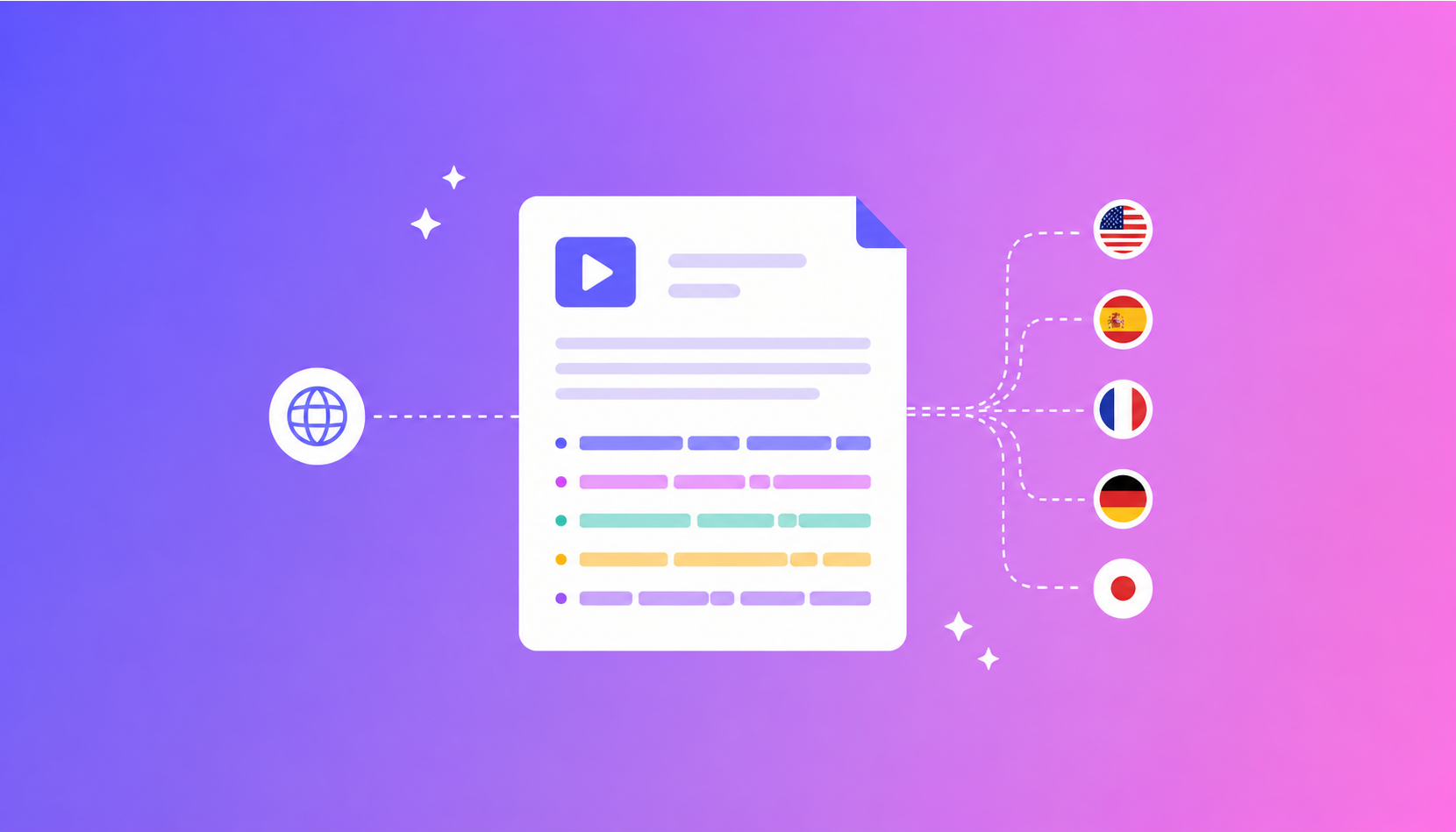
When the original is ready, you create a new language version directly inside the same project — no new file, no export-and-reimport loop. Inwista translates between 70+ languages, and each version you add lives alongside the original:
One timeline, shared by every language. Every language version is connected to the same subtitle timeline. When you adjust the timing of a block and run a translation, the corresponding block stays aligned across the languages you've chosen to apply it to. The failure mode this eliminates is the classic one: reopening every translated file after a change and manually re-timing it, block by block.
Switch between languages as you work. Review the French version, hop to the German, make a language-specific correction in each — without leaving the project or juggling parallel files. The entire delivery stays organised in one place.
The original stays the source of truth. Language versions are generated from your corrected original — the file you already invested the editorial judgement in.
(If you translate at upload instead — choosing target languages when the file first goes in — the same principle holds: one transcription pass, multiple language outputs, one project.)
Review like a professional
An honest paragraph, because it separates deliverable subtitles from embarrassing ones: machine translation of subtitles is a first draft, and first drafts get reviewed.
Two things deserve specific attention in that review:
Length. Languages expand and contract in translation — German and Finnish famously run longer than English, and a block that read comfortably in the original can exceed comfortable reading speed in translation. The reading-speed and line-break standards that govern this are covered in What Makes a Good Subtitle? — they apply to every language version, not just the original.
Terminology and tone. Product names, idioms, register — the places where a correct translation can still be the wrong subtitle. This is where switching between languages inside one project earns its keep: the review happens where the fix happens.
The division of labour is the same one that runs through everything Inwista does: the software clears the mechanical ninety percent — transcription, structure, translation, synchronisation — and your review is the remaining work, not the whole job.
Export in the language you need
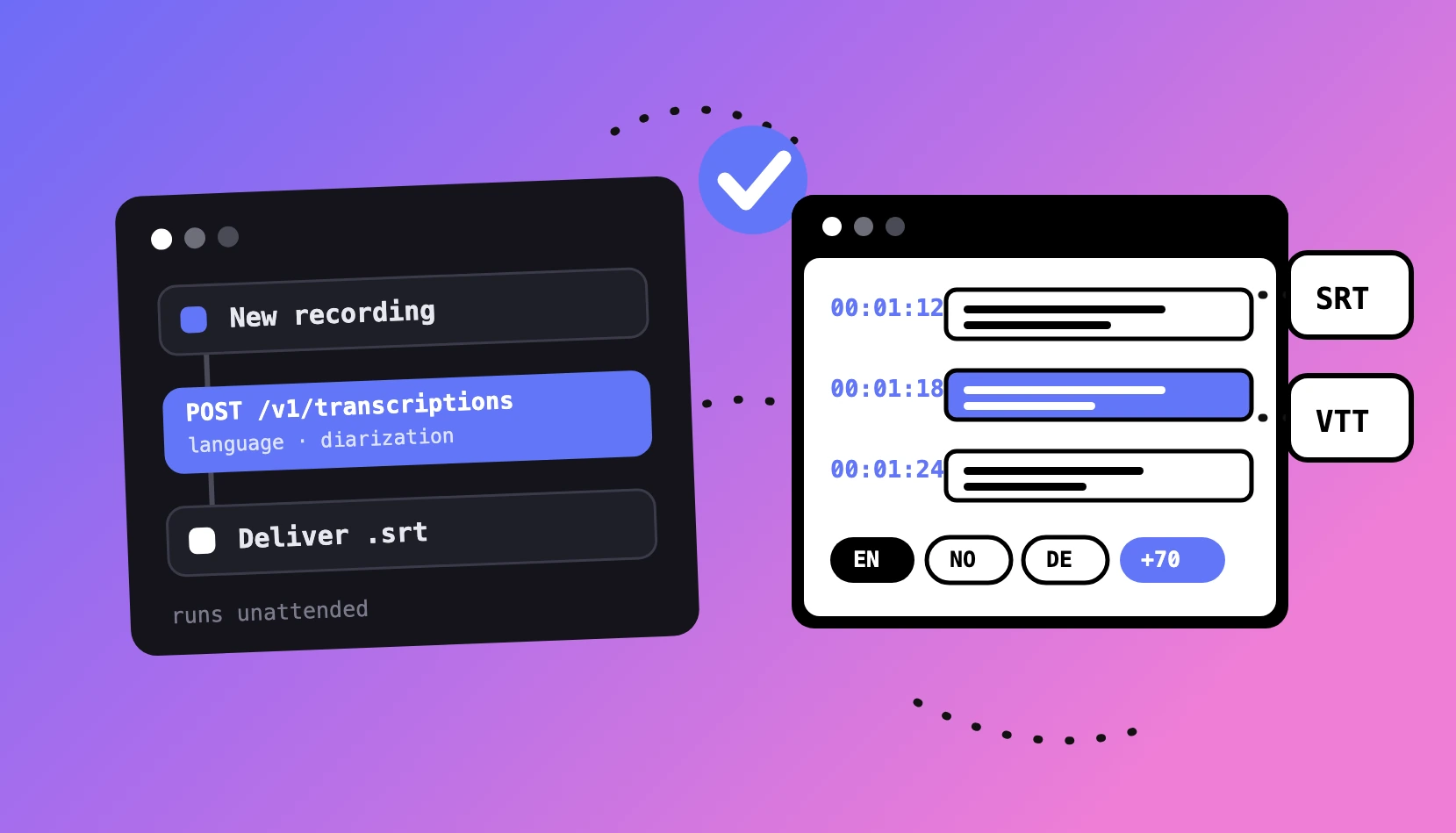
When the project is ready, choose the language and download the file — as an SRT or VTT subtitle file, or as video with the subtitles burned in (the decision guide, if you're not sure which). Every language remains available from the original project, whether you're delivering one translated version or the same video to six markets.
Where those files go next is its own well-mapped territory:
- YouTube accepts one subtitle file per language on a single video — viewers get captions in their own language from the same upload. The full walkthrough, including the multi-language upload steps, is in How to Add Subtitles to YouTube Videos.
- Editing suites — Premiere Pro, DaVinci Resolve and Final Cut Pro all import SRT files per language track; the import steps for all three are in our NLE guide.
One video. More audiences. The work done once.
Try it on your own footage
Inwista's free plan lets you run the whole workflow on your own material — upload, transcribe, structure, edit and export. Current limits and plan details are on the pricing page.
Start a multilingual project →
Frequently asked questions
How many languages does Inwista translate between?
70+ — and every version stays inside the original project rather than becoming a separate file to manage.
Does translation use my AI credits?
Yes, a small amount of credits are drawn from the same monthly credit pool as Enhance and other AI-features in Inwista, scaled to the file's length.
What happens to translations if I change the original afterwards?
Timing changes stay aligned across the language versions you apply them to when you run a translation. For wording changes, the fix-the-original-first principle applies: the cleanest workflow is to finish the source before translating — but nothing locks you out of updating.
Is machine translation good enough to publish without review?
Yes and no — and we'd rather say so than let you find out from a viewer. Treat every language version as a strong first draft: review it for length, terminology and tone before delivery. The point of the single-project workflow is that the review is the only remaining work.
Can I deliver different formats per language?
Yes — each language version exports independently, so the English can go to YouTube as a VTT while the German ships burned-in for a trade-show screen.