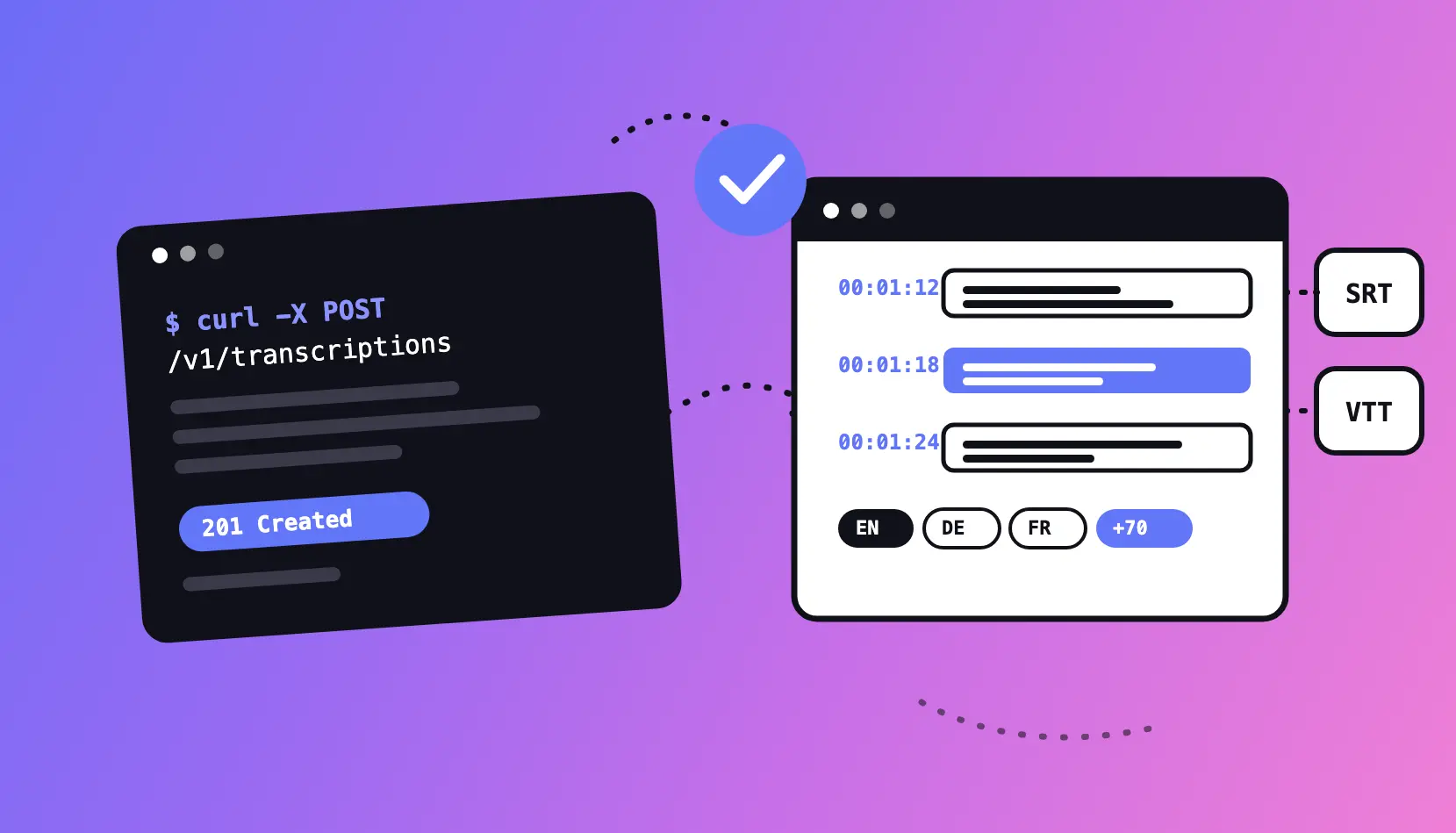
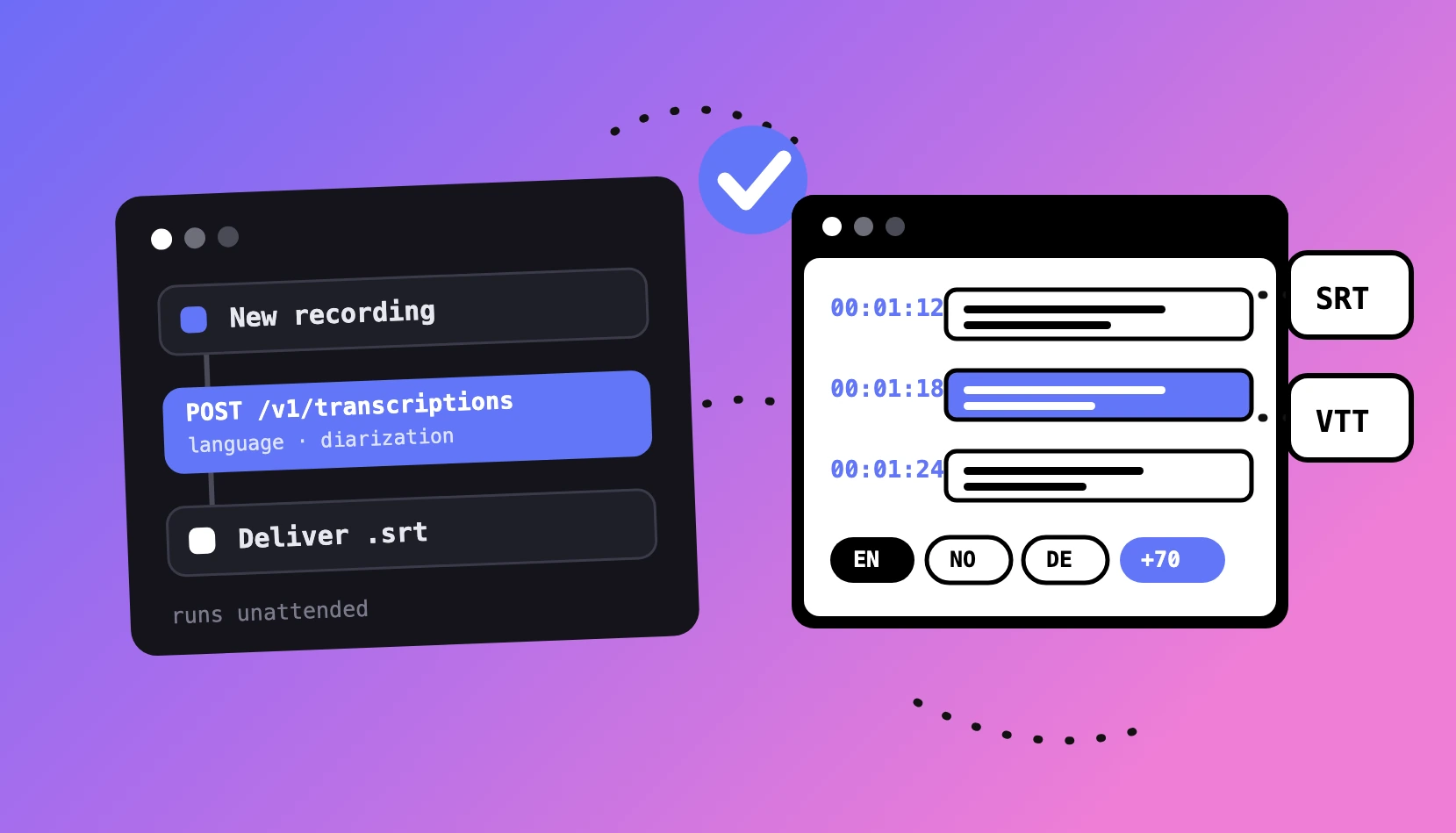
Most teams still transcribe by hand: someone downloads the recording, uploads it somewhere, waits, downloads an SRT, renames it, and drops it in the right folder. It works until it happens forty times a week.
This tutorial replaces that person with a workflow. When a new recording lands, it gets transcribed, subtitled and delivered — with no one watching. We will use n8n because it runs anywhere, can be self-hosted inside your own infrastructure, and talks to any HTTP API — including ours.
By the end you will have a workflow that:
- Triggers when a new video or audio file appears
- Submits it to the Inwista API for transcription
- Waits for the job to finish, without a fixed guess at how long that takes
- Downloads the finished SRT
- Delivers it wherever your team needs it
Everything below runs on the public Inwista API v1. No plugins, no custom code nodes.
Before you start
You need three things:
- An n8n instance — cloud or self-hosted, version 1.x
- An Inwista API key — create one under My workspace → API keys. It starts with
inw_live_ - Media the API can reach — the API takes a public
httpsURL, so files in Dropbox, Google Drive, S3 or your CMS need a shareable or signed link
A note on cost before you build something that runs unattended: transcription is billed at 4 credits per started minute of media, charged when the job is accepted. Failed jobs are refunded automatically. Build the workflow against a couple of short test files before you point it at your archive.
Step 1: Choose your trigger
The pipeline starts with whatever event means "there is something new to transcribe". Common choices:
- Google Drive Trigger / Dropbox Trigger — a watched folder your team drops recordings into
- Webhook — your own CMS or LMS calls n8n when an upload completes
- Schedule Trigger — poll an RSS feed, a podcast host, or a database of unprocessed rows
- Manual Trigger — for building and testing, which is where we will start
Add a Manual Trigger for now. Swap it for the real one once the rest works.
Whatever you use, the trigger's job is to produce one thing: a publicly reachable URL to the media file. Store it in a field called mediaUrl so the rest of this tutorial matches your workflow.
Step 2: Submit the transcription
Add an HTTP Request node named Submit transcription.
- Method —
POST - URL —
https://api.inwista.ai/v1/transcriptions - Authentication — Generic Credential Type → Header Auth
- Header name —
Authorization - Header value —
Bearer inw_live_your_key_here - Send body — On, JSON
Body:
{
  "source_url": "{{ $json.mediaUrl }}",
  "language": "en",
  "diarization": true,
  "metadata": { "source": "n8n", "folder": "{{ $json.folderName }}" }
}
Three fields worth understanding:
languageis the language spoken in the file, not the language you want out. Transcribing in the source language is what produces accurate timestamps and clean text; translation happens afterwards, as a separate step, on the finished transcript. If your pipeline handles several languages, map the trigger's folder or metadata to this field.
diarizationturns on speaker labels. Leave it off for single-speaker content — it adds processing time you do not need.
metadatais yours. Up to 1 KB of anything, echoed back verbatim on every read. Use it to carry the identifiers your own systems care about — a course ID, a case number, an episode slug — so later steps do not have to reconstruct context.
Add one more header while you are here:
Idempotency-Key—{{ $execution.id }}
If n8n retries the node after a network hiccup, the API recognises the key and returns the original job instead of starting — and charging for — a second one.
The response arrives immediately with status: "processing" and an id. Transcription has not finished; it has been accepted.
Step 3: Wait for completion, properly
This is where most pipelines go wrong. A fixed "wait five minutes" is either too short for a lecture or wasteful for a voice memo. Poll instead.
Add a Wait node (Wait 15s) set to 15 seconds.
Add an HTTP Request node (Check status):
- Method —
GET - URL —
https://api.inwista.ai/v1/transcriptions/{{ $('Submit transcription').item.json.id }} - Authentication — Same header auth as before
Add an IF node (Is it done?) with the condition:
{{ $json.status }} equals completed
Wire the false branch back into Wait 15s. That is your loop: check, wait, check again, until the job reports completed. Wire the true branch onward to the next step.
The response also carries a progress number that reflects the pipeline's real position, so if you want a progress indicator in Slack or your own dashboard, it is already there.
Two things to add before this goes near production:
- Handle failure. Add a second IF checking
{{ $json.status }} equals failed, routing to whatever alerting you use. Failed jobs are refunded automatically, but you still want to know. - Cap the loop. n8n's loop protection helps, but an explicit ceiling — a counter that bails after, say, 80 iterations — turns a stuck job into an alert instead of an execution that runs all night.
Step 4: Fetch the subtitles
Add an HTTP Request node named Get SRT:
- Method —
GET - URL —
https://api.inwista.ai/v1/transcriptions/{{ $('Submit transcription').item.json.id }}/captions?format=srt - Response format — File (or Text, if you want the content in-flow)
The endpoint returns the caption file itself, not a JSON wrapper — so the node's output is ready to write to disk, attach to an email, or upload.
Swap format for what the destination needs:
Format — use it for
srt— Video players, NLEs, YouTube, most CMSsvtt— HTML5<track>, web playerstxt— Search indexes, LLM pipelines, documentationjson— Word-level timings, speaker labels, custom rendering
Every format is a view over the same finished job. Fetching four of them costs nothing extra.
Step 5: Deliver it
The last node is whatever "done" means for your team:
- Google Drive / Dropbox / S3 — write the file next to the source video
- Slack — post the transcript into the channel that asked for it
- HTTP Request — push it into your CMS, LMS or subtitle field
- Postgres / Airtable / Notion — store the
txtversion as searchable text
If your destination is one Inwista already integrates with natively — Google Drive, OneDrive, SharePoint, Dropbox, Box, YouTube, Vimeo, Wistia and others — consider skipping this node entirely and configuring cloud delivery in My workspace → Integrations. Files then arrive automatically on every completed job, workflow or no workflow.
Level up: translate before you deliver
Insert two nodes before delivery and the same pipeline ships subtitles in as many languages as you need.
POST /v1/transcriptions/{id}/translate with:
{ "target_language": "no" }
It returns 202 Accepted — translation runs on the finished transcript, so the timings are already correct and only the text changes. Poll GET /v1/transcriptions/{id}/translations/no the same way you polled the job, then fetch:
GET /v1/transcriptions/{id}/captions?format=srt&language=no
Loop that over a list of target languages and one recording becomes a full multilingual subtitle set in a single execution. Note that the language request is strict: asking for a language that has no completed translation returns an explicit error rather than quietly handing you the source language, which is exactly what you want in an unattended pipeline.
Level up: broadcast-quality subtitles
Raw transcription is verbatim. Subtitles are a craft: line lengths, reading speed, where a sentence breaks across two cards.
POST /v1/transcriptions/{id}/enhance runs the finished transcript through that treatment — condensing text, rebalancing line breaks, formatting dialogue, enforcing minimum and maximum block durations:
{
  "settings": {
    "maxLinesPerBlock": "2",
    "maxCharactersPerLine": 42,
    "textCondensation": "smart",
    "speakerDialogueFormat": "hyphens",
    "gapBetweenBlocks": "broadcasting"
  }
}
It returns 202; poll GET /v1/transcriptions/{id}/enhancements/{enhancementId} until it completes. Afterwards, the caption endpoints serve the enhanced version automatically — no change needed in your delivery node.
Handling sensitive recordings
If your pipeline processes material you would rather we did not keep — patient interviews, legal recordings, internal all-hands — add one field to the submission in Step 2:
{
  "source_url": "{{ $json.mediaUrl }}",
  "language": "en",
  "retention": "none"
}
With retention: "none", the source media is deleted as soon as transcription completes. The transcript, captions, translations and any later enhancements keep working normally — only the audio and video are gone. There is also store_media: false, which keeps the file for processing but builds no playback copies.
And when a job's retention period ends on your side, DELETE /v1/transcriptions/{id} erases everything for that job — media, transcript, revisions, translations — in one call. Adding a scheduled n8n workflow that deletes jobs older than your policy window is about four nodes, and it turns your retention policy into something you can demonstrate rather than describe.
Webhooks: the companion pattern
Polling is the right control flow inside a single n8n execution — it is self-contained, needs no public URL, and keeps the whole pipeline in one place you can debug.
Webhooks solve a different problem: getting finished work to a central receiver no matter where the job came from. Recordings your colleagues upload through the dashboard, jobs submitted by a different system, exports finishing hours later — all of it can land on one endpoint instead of each workflow minding its own. Configure it under My workspace → Integrations.
Point it at an n8n Webhook node and you will receive a signed transcript.completed event:
{
  "event": "transcript.completed",
  "id": "evt_...",
  "timestamp": 1786902819,
  "workspaceId": "...",
  "project": {
    "id": "...",
    "name": "board-meeting-august.mp4",
    "language": "en",
    "durationSeconds": 3184
  },
  "files": [
    { "format": "srt", "name": "board-meeting-august.srt", "url": "https://...", "expiresAt": 1786989219 }
  ]
}
Every request is signed with HMAC-SHA256 over the raw body, in the X-Inwista-Signature header as sha256=<hex>. Verify it before you trust the payload — in n8n, a Crypto node plus an IF comparison is enough. The file URLs are signed and valid for 24 hours, so fetch what you need rather than storing the links.
Delivery is retried three times, and an endpoint that keeps failing is disabled automatically with the reason visible in your integration settings — so a broken receiver surfaces as a status you can see rather than events that quietly disappear.
Things that will bite you eventually
Rate limits. 300 reads and 60 writes per minute per key. Generous for normal use, easy to hit if you fan out a large archive without a queue. If you are backfilling hundreds of files, batch them.
Source URLs must be reachable. The API probes the media before accepting the job — that is how duration and cost are known upfront. A Drive link that requires a login returns unreadable_source, and nothing is charged. Use direct or signed URLs.
Errors are structured. Every failure returns the same envelope:
{ "error": { "code": "insufficient_credits", "message": "..." } }
Branch on code, never on the message text. Codes are additive within v1 and never renamed; messages may be reworded.
Idempotency keys are per-request, not per-file. They protect you from double-charging on retries of the same node execution. Deduplicating the same recording submitted twice by two different runs is your workflow's job — a lookup table keyed on the file's ID is the usual answer.
The finished workflow
Here is the skeleton to import and adapt. Replace the credential reference with your own header-auth credential rather than pasting a key into the node.
{
  "name": "Inwista — automated transcription",
  "nodes": [
    {
      "parameters": {},
      "id": "trigger",
      "name": "When clicking Test workflow",
      "type": "n8n-nodes-base.manualTrigger",
      "typeVersion": 1,
      "position": [0, 0]
    },
    {
      "parameters": {
        "method": "POST",
        "url": "https://api.inwista.ai/v1/transcriptions",
        "sendBody": true,
        "specifyBody": "json",
        "jsonBody": "={\"source_url\": \"{{ $json.mediaUrl }}\", \"language\": \"en\", \"diarization\": true}",
        "options": {}
      },
      "id": "submit",
      "name": "Submit transcription",
      "type": "n8n-nodes-base.httpRequest",
      "typeVersion": 4.2,
      "position": [220, 0]
    },
    {
      "parameters": { "amount": 15 },
      "id": "wait",
      "name": "Wait 15s",
      "type": "n8n-nodes-base.wait",
      "typeVersion": 1.1,
      "position": [440, 0]
    },
    {
      "parameters": {
        "url": "=https://api.inwista.ai/v1/transcriptions/{{ $('Submit transcription').item.json.id }}",
        "options": {}
      },
      "id": "status",
      "name": "Check status",
      "type": "n8n-nodes-base.httpRequest",
      "typeVersion": 4.2,
      "position": [660, 0]
    },
    {
      "parameters": {
        "conditions": {
          "options": { "caseSensitive": true, "version": 2 },
          "conditions": [
            {
              "leftValue": "={{ $json.status }}",
              "rightValue": "completed",
              "operator": { "type": "string", "operation": "equals" }
            }
          ],
          "combinator": "and"
        },
        "options": {}
      },
      "id": "isdone",
      "name": "Is it done?",
      "type": "n8n-nodes-base.if",
      "typeVersion": 2,
      "position": [880, 0]
    },
    {
      "parameters": {
        "url": "=https://api.inwista.ai/v1/transcriptions/{{ $('Submit transcription').item.json.id }}/captions?format=srt",
        "options": { "response": { "response": { "responseFormat": "text" } } }
      },
      "id": "srt",
      "name": "Get SRT",
      "type": "n8n-nodes-base.httpRequest",
      "typeVersion": 4.2,
      "position": [1100, -100]
    }
  ],
  "connections": {
    "When clicking Test workflow": { "main": [[{ "node": "Submit transcription", "type": "main", "index": 0 }]] },
    "Submit transcription": { "main": [[{ "node": "Wait 15s", "type": "main", "index": 0 }]] },
    "Wait 15s": { "main": [[{ "node": "Check status", "type": "main", "index": 0 }]] },
    "Check status": { "main": [[{ "node": "Is it done?", "type": "main", "index": 0 }]] },
    "Is it done?": {
      "main": [
        [{ "node": "Get SRT", "type": "main", "index": 0 }],
        [{ "node": "Wait 15s", "type": "main", "index": 0 }]
      ]
    }
  }
}
Six nodes. Everything after this — translation, enhancement, delivery, deletion — hangs off the same skeleton.
What this actually changes
The interesting part is not that transcription gets automated. It is what stops being a decision.
When subtitles cost a person's afternoon, they get rationed: the important videos get them, the rest do not. When they cost nothing per file and arrive before anyone thinks to ask, they stop being a project and become a property of your content — every recording searchable, every video accessible, every course compliant, without a meeting about it.
That is worth more than the hours it saves.
Ready to build it? Create an API key and the free tier is enough to run this end to end. The full endpoint reference lives in the API documentation.